

Grandparents who can't travel, a deployed sibling, college friends scattered across time zones — the livestream means they're in the room anyway.
How it works
If you have selected the Livestream & Digital Download add-on:
- Your private watch link appears on your Couple's Portal (my.chapeltx.com) — a clean, branded page made just for your wedding. We also text it to you the week before.
- Share the link with anyone, anywhere — text it, put it on the invitation, send it the morning of. No apps or accounts needed; it opens in any browser.
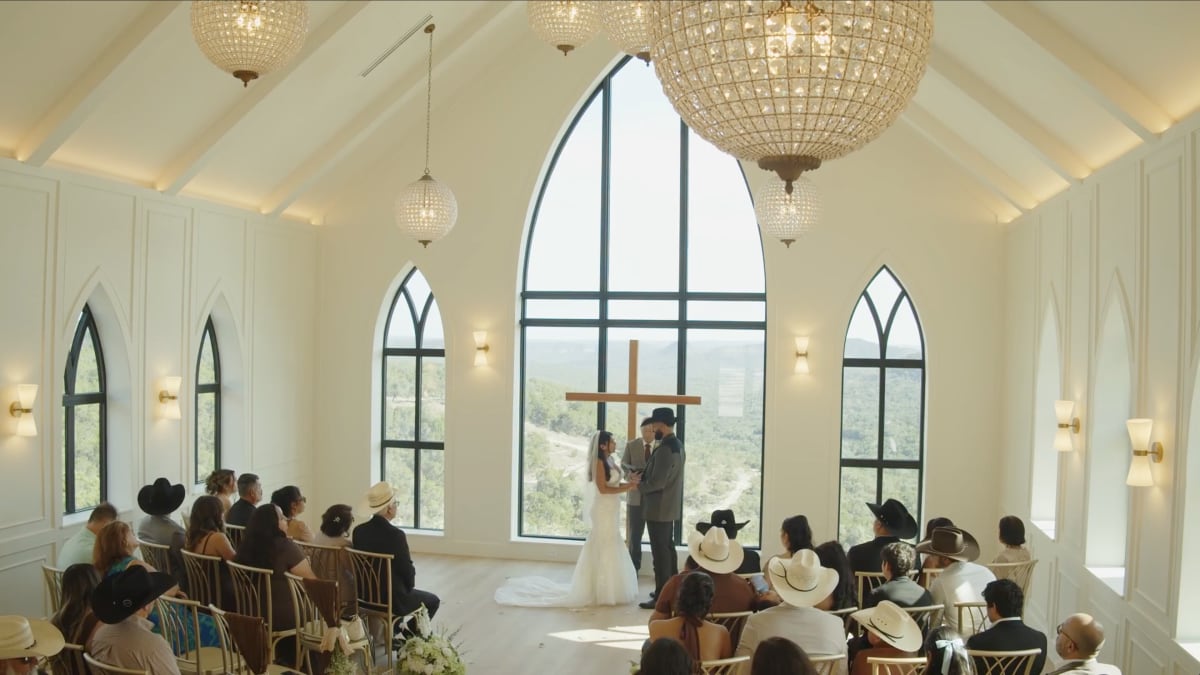
- On your wedding day, we mic your officiant and have our wall-mounted camera pointed at your ceremony. The stream goes live around 15 minutes before your ceremony starts (not at the start of your window), so tell faraway guests to open the link a few minutes before your ceremony time.
- Afterward, the replay lives on the same link for 90 days — so the link you already shared keeps working for everyone who wants to watch again (or slept through the time zone).
There's zero technical work on your end — no tripods, no phones propped on chairs, no cousin missing the ceremony to hold a camera.
Your digital download
Within about an hour after the ceremony, the same watch page shows a Download the Video button. Tap it to save the full recording as an MP4 to your phone or computer — it's yours to keep forever, share, or hand to your videographer. Save a copy before the 90-day replay window ends; after that, the link retires.
Don't have the add-on yet?
You can request it right from your Couple's Portal and we'll take care of the rest.